02 — Screens and brief
- Core roles
- Owner / instructor / student
- Learning flow
- Course → lesson → assignment → submission
- Public surfaces
- Landing / product article
- Client
- Yurasis platform
- Role
- Product architecture, instructor and student journeys, access control, assignment workflow, public launch experience
03 — Access model
Account role and course membership solve different problems
User.eduRole determines whether an account may create courses, while EduCourseMember.role defines what that person can do inside one course. OWNER and INSTRUCTOR can manage lessons, announcements, assignments, invites, and members; STUDENT can read member content, comment, and submit work. The two layers prevent a global instructor flag from becoming implicit access to every course.
Administrators receive read-only observer access for support and QA. That exception is deliberately expressed as canView without canManage or isMember, so an administrator cannot edit a course, post a member comment, or change notification membership simply because they can inspect it.
04 — Learning context
Lessons carry the materials and assignments that belong to them
A lesson is a long-form page with a title, date, HTML body, attachment block, assignment block, and discussion. Instructors write with the same lightweight editing language used elsewhere in Yurasis, while students encounter the materials before the work that depends on them.
Files are stored outside the public directory and streamed only through authenticated course APIs. The public catalog exposes only the minimal course description; lessons, downloads, announcements, discussions, and submissions stay behind membership checks.
05 — Assignment workflow
Deadline-first for students, completion-first for instructors
Assignments support text, files, or both, with a due date, late-submission policy, and file-count limits. Each student has one submission row per assignment, so resubmission updates the same work instead of creating an ambiguous history of active answers.
The student workspace sorts open work by deadline and separates submitted and past work. The instructor view exposes submitted and missing students, late status, text responses, and protected downloads. Controls are rendered from the same access contract returned by the API.
06 — Launch system
A public product story leads into a protected learning workspace
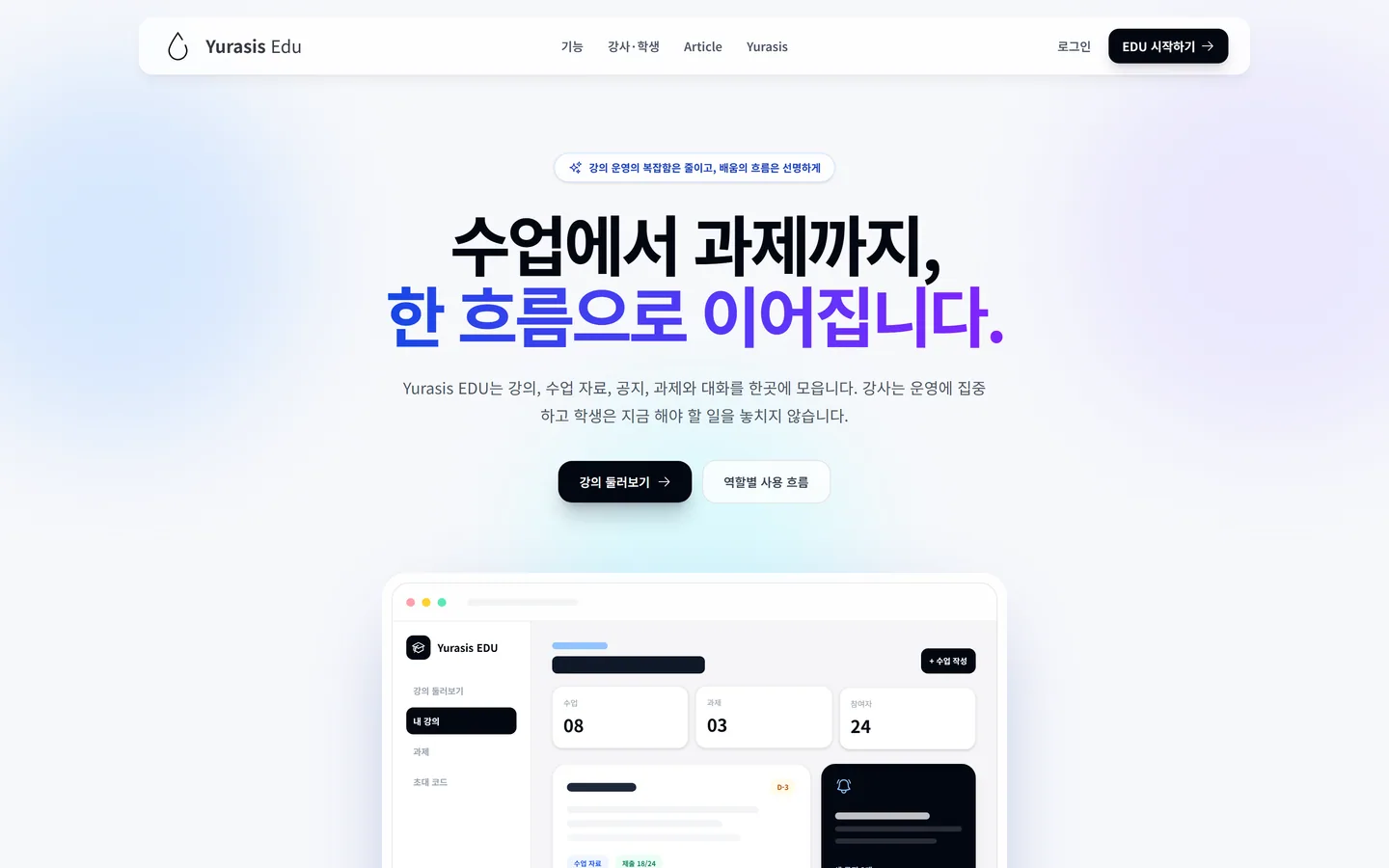
The EDU root is a public landing page and /edu/article explains the product model before sign-in. The course catalog moved to /edu/courses, keeping all existing course detail URLs stable. Middleware makes only the landing and article public; every application route and every EDU API stays authenticated.
The same route tree is served on edu.yurasis.com through host-aware rewrites, with links shortened on the subdomain and preserved under /[lang]/edu on the main host. Portfolio imagery is captured from the shipped UI rather than mocked.
Interactive build
Yurasis EDU
Start on the public EDU landing page and article, then sign in with a Yurasis account to explore the role-specific course workspace. The article documents the instructor and student paths verified in QA.